Private by design
No account needed. The app does not collect telemetry or usage analytics, and your files never pass through a server or cloud storage.
NO CLOUD

Direct file transfer
Send photos, videos, and documents directly between Android, iOS, macOS, and Windows devices — even without an internet connection.
Why timLinq
A single photo or a 10 GB folder. Sending is just as simple.
No account needed. The app does not collect telemetry or usage analytics, and your files never pass through a server or cloud storage.
Nearby devices connect using the fastest available option: a shared Wi-Fi network, a direct Wi-Fi connection, or Bluetooth.
Open the app, select your files, choose a nearby device, and send. No cloud uploads or sharing links.
Each file is checked for transfer errors before it is made available on the receiving device.
Three simple steps
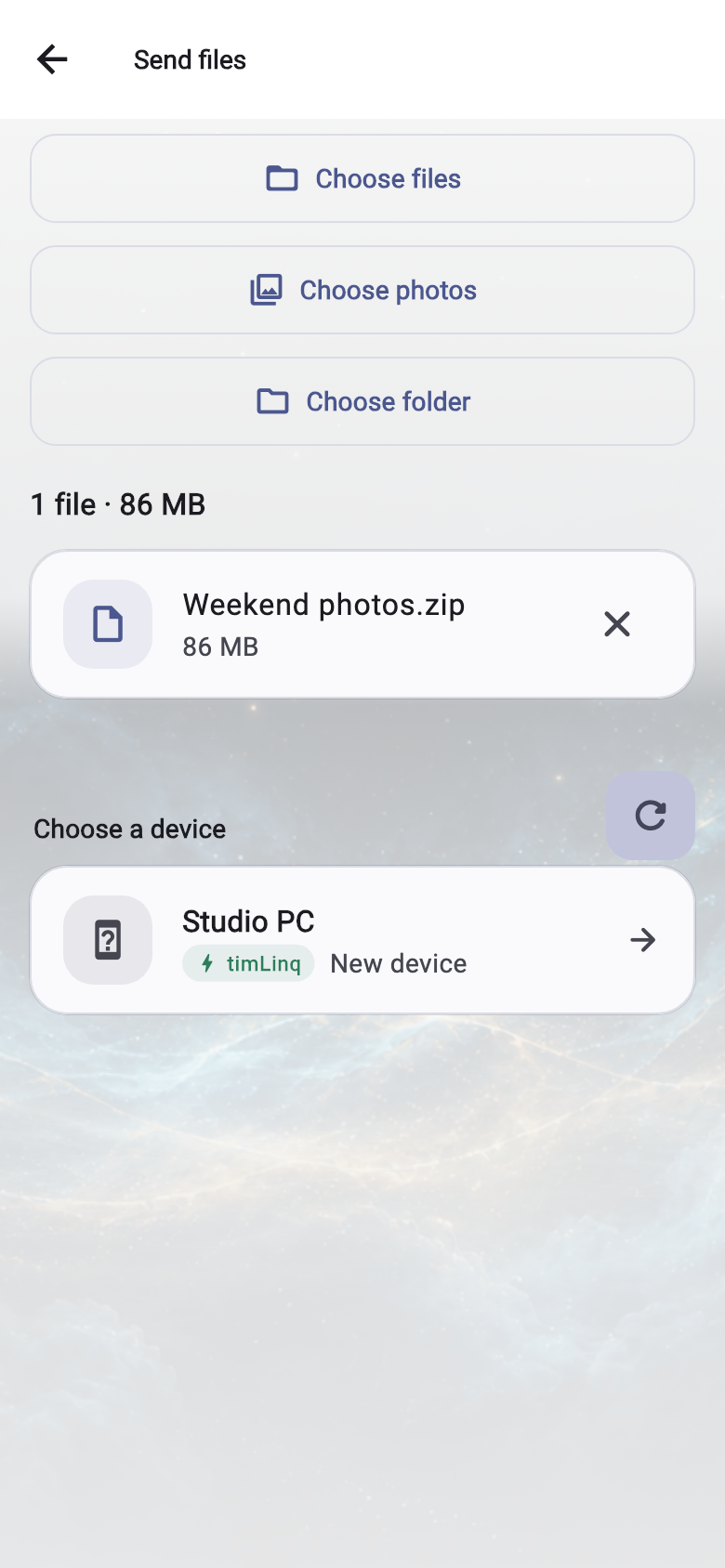
Choose files, photos, or a whole folder. On a computer, you can also drag files into timLinq.
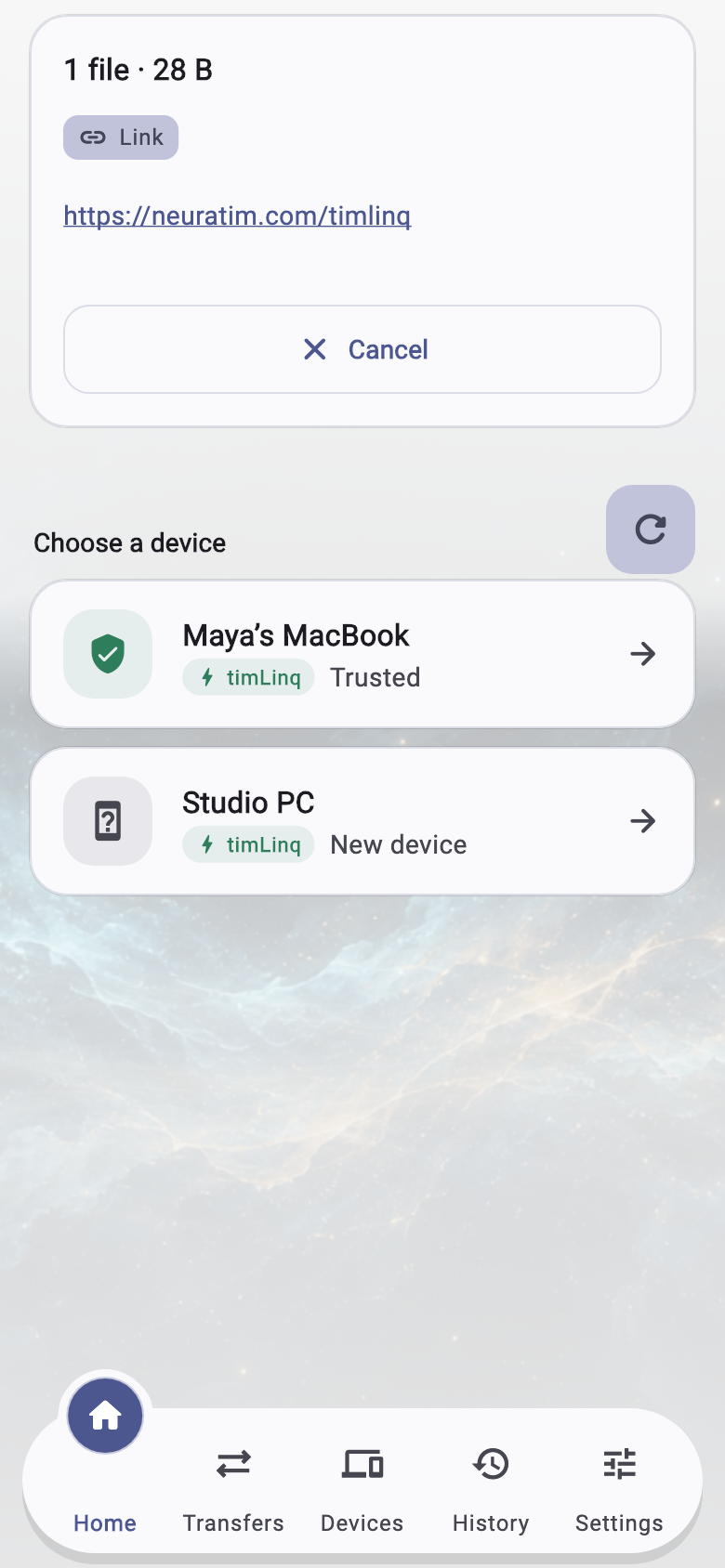
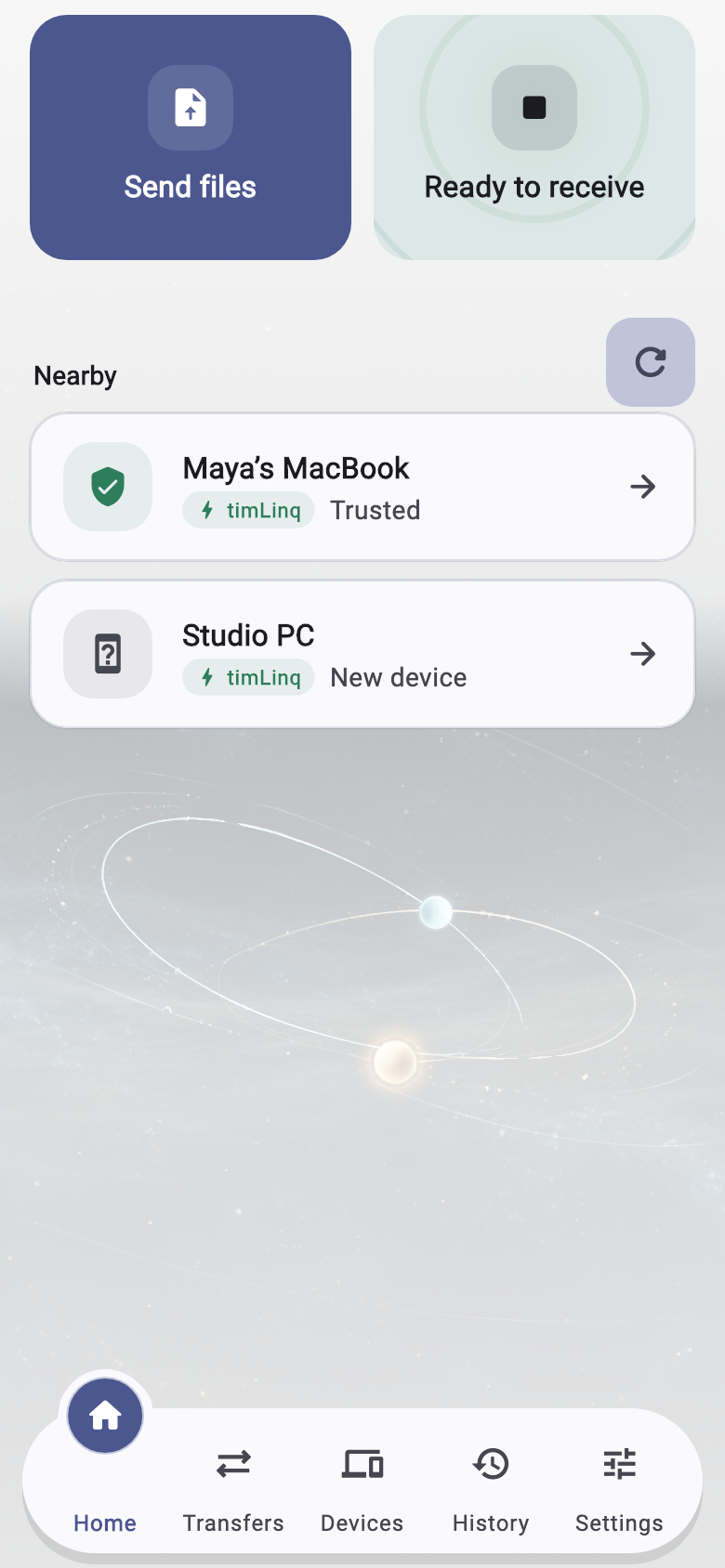
Nearby phones, tablets, and computers appear automatically when timLinq is open on them and “Receive” is turned on.
Confirm the receiving device. timLinq establishes the connection and checks each file for transfer errors.
Send and receive files in up to four simultaneous transfers, with one transfer per connected device.
Quick start guide
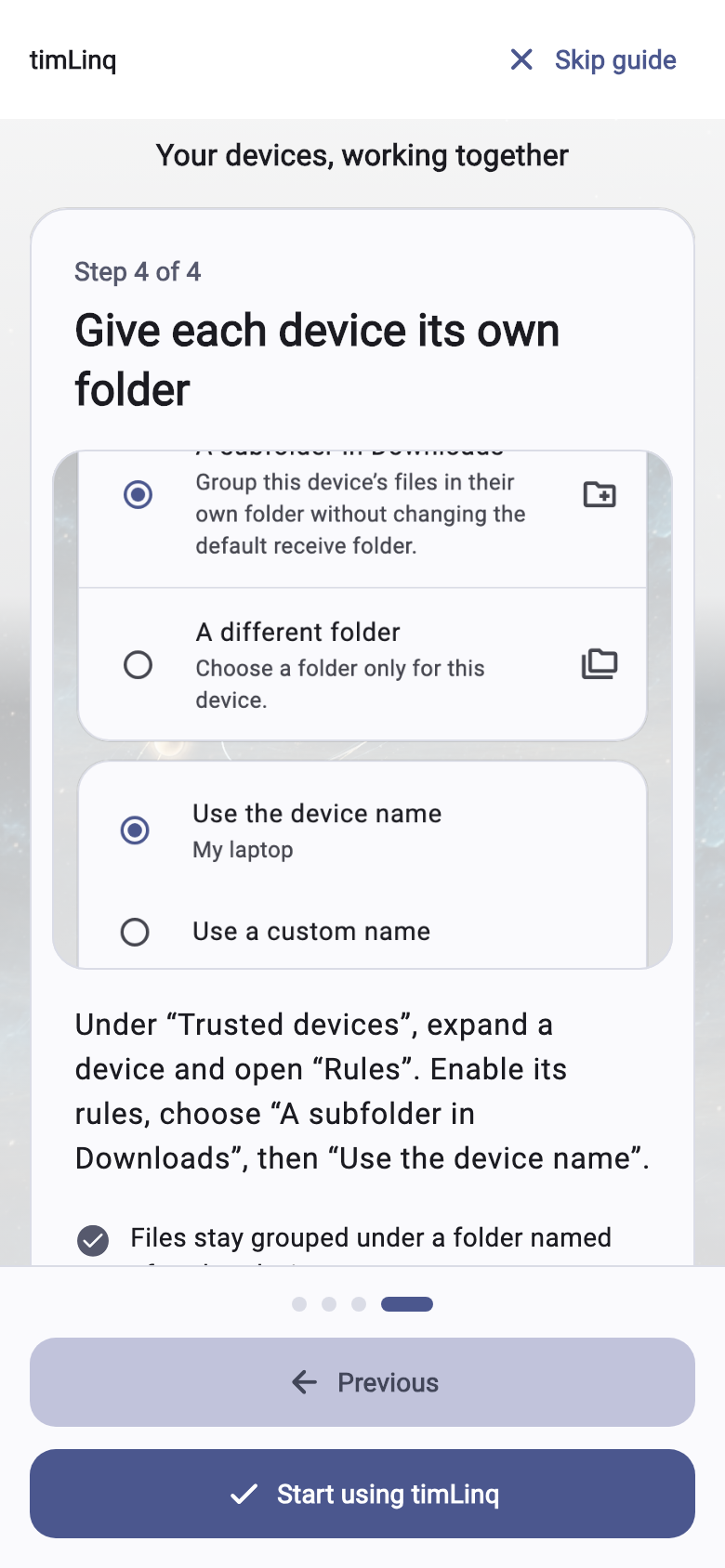
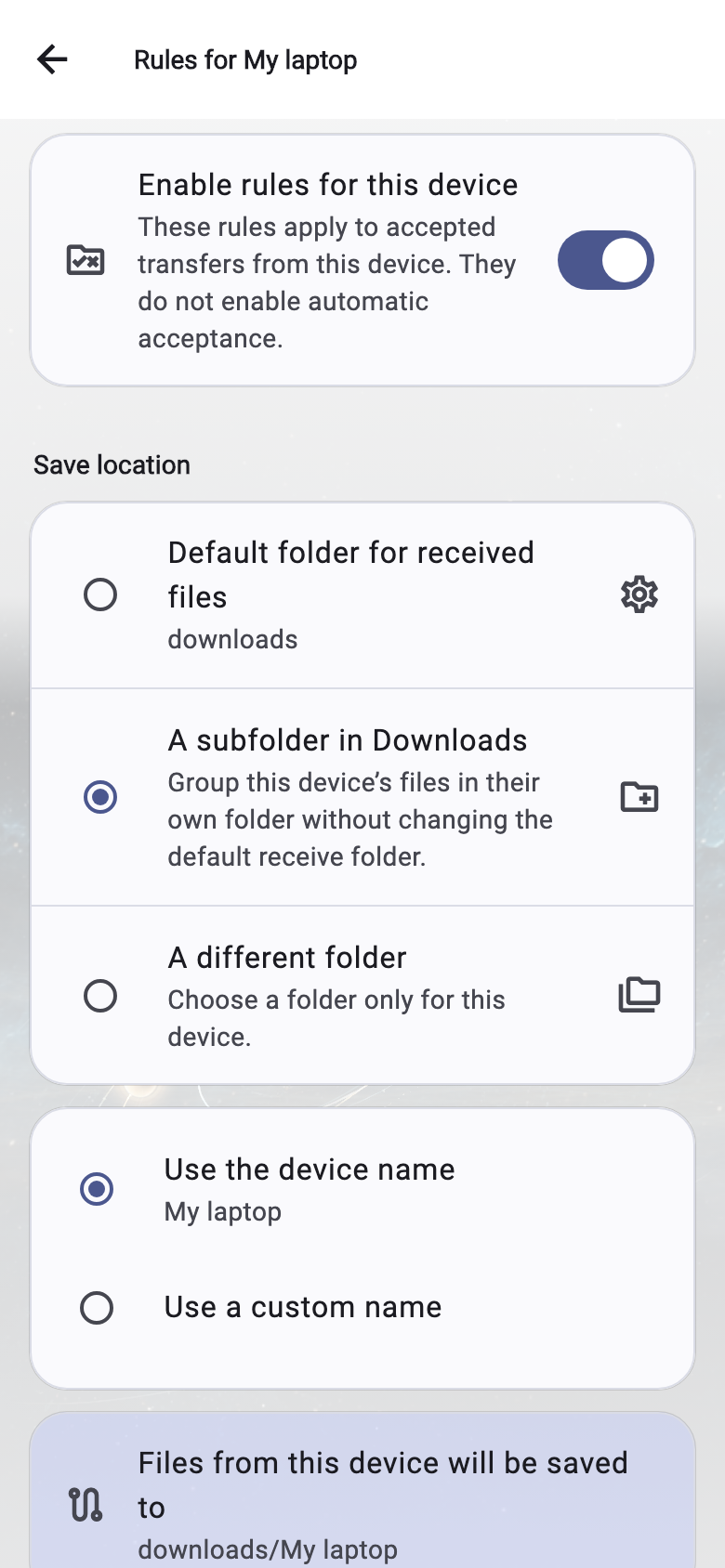
Learn to send files, automatically accept transfers from your trusted devices, and save incoming files in a separate folder for each device.
Step 1 of 4
Choose “Send files”, then select files, photos, or “Choose folder”. Pick a nearby device to send to. On a computer, you can also drag files into timLinq.
On the receiving device, keep timLinq open with “Receive” turned on.
Inside the app
Send files and folders, follow transfers, and manage trusted devices in one place.
Native apps
timLinq is a native app for Android, iOS, macOS, and Windows. Transfers take place in the app, not in your browser.
No cloud. No account. Just device-to-device transfers.
Support timLinq
timLinq is an independent project. Optional contributions help cover distribution costs and support ongoing development.
Contributions are always optional. Your chosen payment provider processes the payment.Other ways to contribute

TIMLINQ
Open timLinq on both devices. Choose your files, select the receiving device, and send.


